
IT tips for SMBs
SMB IoT networks: when connected devices disrupt your team’s Wi-Fi
In a modern office, Wi-Fi isn’t just for laptops anymore. It also carries connected speakers, smart locks, printers, meeting room devices, phones, visitors, sensors and old equipment that refuses to go away. When all of these share the same network, a vague complaint shows up: “the Wi-Fi is unstable.”
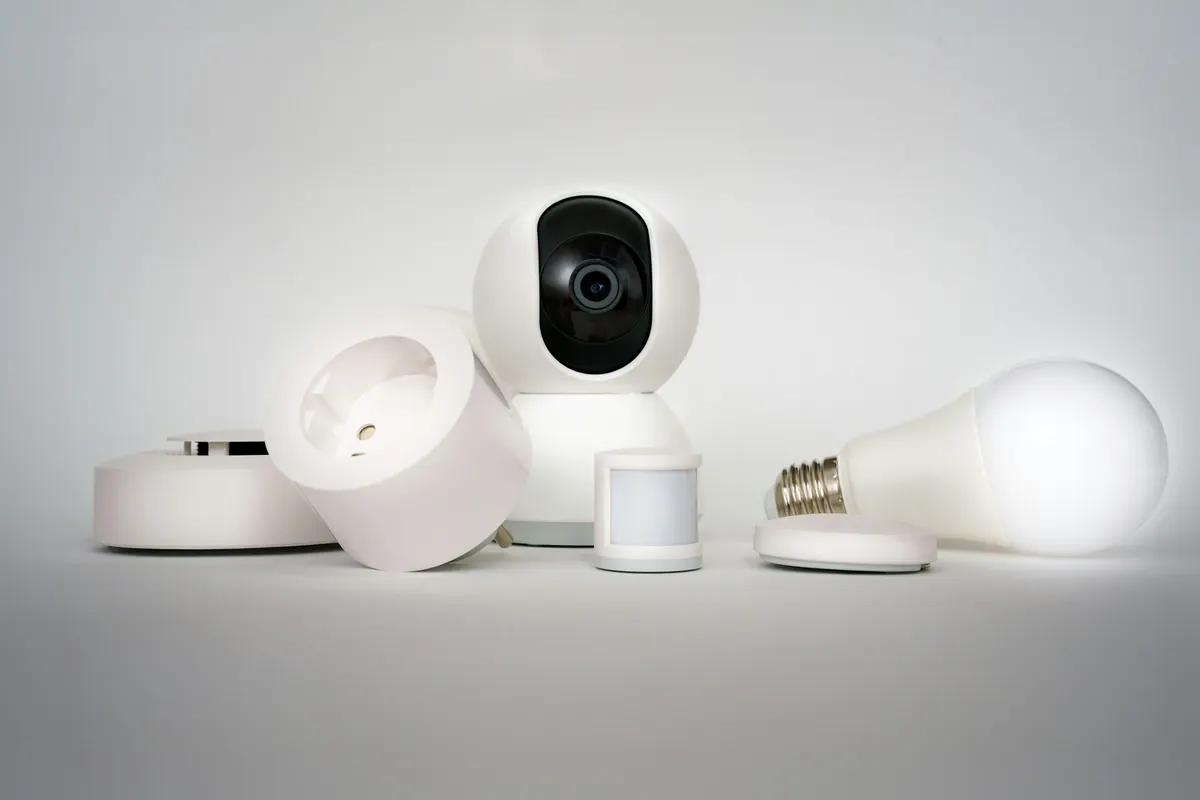
The Wi-Fi drops, but the problem isn’t always the Wi-Fi
Sometimes the signal is good. The access points are well placed. The Internet provider isn’t down. Yet calls drop, laptops disconnect and devices seem to be fighting to talk. That’s often a clue that an SMB IoT network should be separated from the production network.
Connected devices talk a lot
Some devices use chatty protocols. They look for their neighbours, announce their presence, broadcast information on the local network and expect everyone to hear. At home, this behaviour is rarely a big deal. In an office with several access points, dozens of laptops and video meetings, the noise becomes more noticeable.
The problem isn’t that connected devices are bad. The problem is treating them like work computers. A speaker, a lock or a printer doesn’t need the same access as an administrative workstation. It needs to work, but it doesn’t need to see the whole network.
Segmentation doesn’t mean complication
A well-designed separate network distinguishes between uses. Employees use a main network. Visitors use a guest network. Connected devices live on a network of their own, with the rules they need to work without overrunning everything else. In many environments, this IoT network has to stay compatible with older devices, for example by keeping 2.4 GHz and avoiding certain modern options that destabilize them.
This is pragmatic networking work. You don’t segment to make a diagram look nice. You segment to reduce risk, limit noise and make diagnosis clearer when a problem comes back.
Automatic updates can complicate diagnosis
Another blind spot comes from updates. An access point can get new firmware overnight. The next day, part of the team complains about disconnections. Is it the laptop? The operating system? The access point? The new device plugged in yesterday? Without a history, everything gets mixed up.
In sensitive environments, it’s better to control network updates instead of letting them arrive unmonitored. That doesn’t mean never updating. It means choosing a window, documenting the version and keeping the option to roll back if behaviour changes. A small business doesn’t need a test factory, but it does need to know what changed.
A good diagnosis starts with a map of the network
When a Wi-Fi problem keeps coming back, the first step shouldn’t be buying a new access point. You need to look at the map: which networks exist, which devices are connected, which bands are in use, which access points get the most traffic and which rules apply to guests and connected devices.
This map helps avoid false leads. If laptops disconnect mostly in one particular area, it may be transmit power or roaming. If slowdowns appear when certain devices wake up, it may be local traffic. If old devices won’t stay connected, it may be an incompatibility with modern settings. Diagnosis gets calmer when the network is easy to read.
Things to check in a small business
- Separate networks: do employees, guests and connected devices each have their own place?
- Compatibility: do older devices need a separate 2.4 GHz network?
- Access: can an IoT device see internal resources for no reason?
- Updates: do access points change versions without anyone signing off?
- History: do you know which change came right before the last complaint?
A well-separated IoT network doesn’t guarantee there will never be a dropout. It makes problems easier to understand and limits the damage when a device misbehaves. If your Wi-Fi carries everything, everywhere, for everyone, Infotech Canada can help you review your segmentation and settings. You can book a meeting to get a diagnosis without needlessly replacing equipment.
Separate the uses
Computers, guests and connected devices shouldn’t all live on the same network.
Keep compatibility
Some devices still need 2.4 GHz and simpler rules.
Control updates
A firmware change can create a problem if nobody keeps track of it.
Are your connected devices sharing the same Wi-Fi as your team?
We can review SSIDs, VLANs, guest access and IoT devices to reduce noise without replacing everything.
Have a specific question about your situation? Write to us.